
Cost estimates
A cost estimate is deterministic evidence attached to a saved Terraform plan. It forecasts modeled infrastructure before apply; Cloud Cost reports provider billing observed after deployment and reporting delay.
- Typical time
- 10–20 minutes after planning
- You need
- A successful, current Terraform plan
- Outcome
- A documented cost decision for the exact plan
Step 1: Choose estimate or observed spend
Section titled “Step 1: Choose estimate or observed spend”Use Terraform → Runs → Plan when the question is “what could this proposed change cost?” Use Cloud Cost when the question is “what spend has the provider reported for this workspace?”
Do not substitute one for the other. A plan estimate may include new resources that have no billing history, while Cloud Cost can lag changes and include spend outside the proposed plan.
Step 2: Create the exact plan
Section titled “Step 2: Create the exact plan”Open Runs, create a Plan run for the latest saved workspace revision, and wait for success. ScrinCloud cannot produce plan-linked cost evidence before the plan exists.
Open run details and review Current monthly, After apply, Monthly change, Annualized after, status, Trust, known/unknown/unsupported counts, projected range, and cost-governance findings.
Unknown cost is not zero. Unknown and unsupported resources are excluded from the known total and need separate review.

Step 3: Inspect assumptions and evidence
Section titled “Step 3: Inspect assumptions and evidence”Expand Usage assumptions, Evidence and pricing, Trust reasons, and the Resource cost ledger. Confirm region, size, quantity, storage, transfer, hours, catalog source, and fallback pricing.

A fallback-pricing warning lowers certainty. It is not equivalent to live provider billing evidence.
Step 4: Resolve the plan-linked decision
Section titled “Step 4: Resolve the plan-linked decision”Compare the estimate with the project cost policy. Update Terraform or usage assumptions when the model is misleading. If a threshold requires approval, record the acknowledgement and obtain the required independent decision for the exact approved plan and revision.

Check your result
Section titled “Check your result”The estimate references the expected plan, revision, run, workspace, provider connection, region, and pricing catalog. Reviewers understand every material unknown and have not confused forecast evidence with observed Cloud Cost.
Common blockers
Section titled “Common blockers”- Run Plan first: a plan-linked estimate has no evidence until planning succeeds.
- Estimate queued or running: wait; absence is not zero cost.
- Expired or stale: create a new plan and estimate.
- Low or untrusted confidence: inspect assumptions, unsupported resources, and pricing evidence before approval.
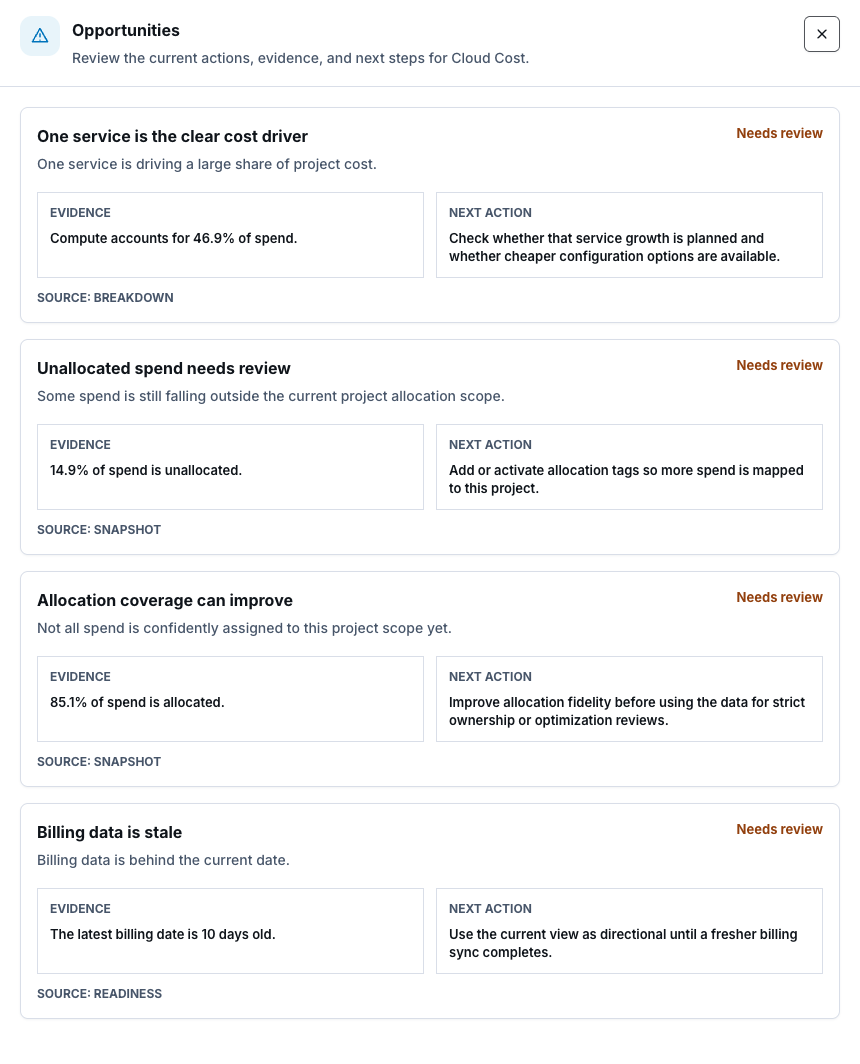
- Actual spend requested: open Cloud Cost and verify its period and billing freshness.
Source and deployment wiring do not prove current provider prices were resolved for a live plan. Only the saved runtime estimate supplies that evidence.