
Governance overview
ScrinCloud governance combines deterministic policy evaluation, reusable controls, reviewer routing, bounded exceptions, and audit evidence. Each part has a separate responsibility.
- Typical time
- 5–10 minutes
- You need
- Access to the relevant organization or project governance area
- Outcome
- The correct workflow for the action you need to take
Step 1: Choose the governance destination
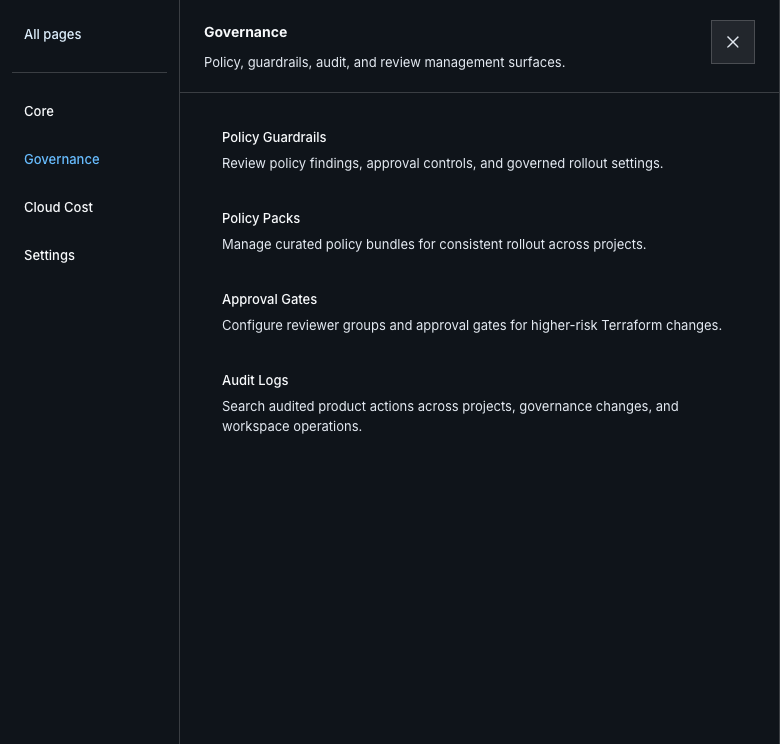
Section titled “Step 1: Choose the governance destination”Use the public workspace navigation:
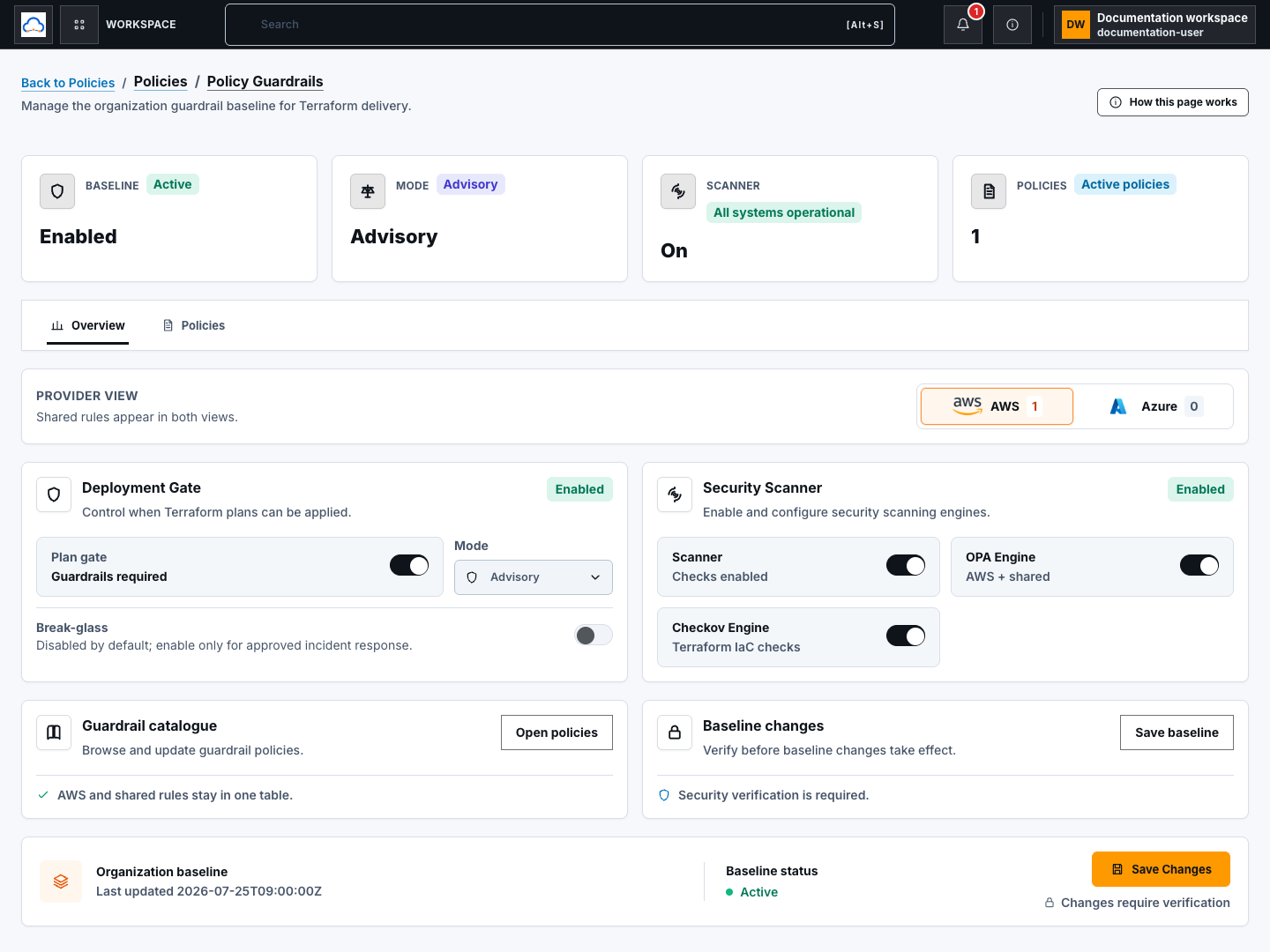
- Policy Guardrails for the Organization baseline, individual policies, policy definitions, and Policy pack operations;
- Policy Packs for the focused pack library and assignments;
- Approval Gates for project reviewer routing;
- Audit Logs for bounded event search and verified evidence readback.
Step 2: Match the action to its control
Section titled “Step 2: Match the action to its control”Use this decision sequence:
- Configure the organization or project policy baseline.
- Reuse approved selections with a Policy pack.
- Route protected events through an Approval gate.
- When an eligible finding cannot be remediated in time, request a bounded Policy exception from the saved plan review.
- Reserve Break glass for a separately reviewed emergency path.
- Verify the resulting audit event and immutable evidence when required.
Step 3: Keep evidence and decisions separate
Section titled “Step 3: Keep evidence and decisions separate”Rules and scanners determine findings. Authorized reviewers approve or reject the exact workflow. An exception accepts bounded risk; it does not make a finding pass. Audit verification confirms stored evidence integrity; it does not re-authorize the original action.
For Terraform, all approval and exception decisions remain bound to the exact approved plan and revision. Create a fresh plan whenever code, variables, policy inputs, or evidence change.
Check your result
Section titled “Check your result”You can name the destination that owns the action, the person or deterministic system that makes each decision, and the exact plan or resource revision to which the evidence belongs.
Common blockers
Section titled “Common blockers”- Action missing: confirm your role, selected project, and required setup such as reviewer groups or an active workspace.
- Evidence incomplete: wait for every required scanner or create a fresh run; unknown is not passed.
- Self-approval rejected: route the decision to a different authorized reviewer.
- Old result shown: refresh the bounded list and verify the current revision before acting.
Documentation and deployment wiring alone do not establish live runtime evidence. Keep source-ready, deployed, and runtime-verified states separate.